See which protected game servers and PC clients are currently connected to the Devil-Guard website. Public status shows safe operational details only. Client tokens, passwords, filesystem paths, player IP addresses and machine identifiers remain private. Players must have Devil-Guard PC installed and running to play on protected servers.
Devil-Guard helps protect Delta Force: Black Hawk Down servers and players.
It monitors protected game servers, checks connected PC clients, detects suspicious activity, records security events and can automatically apply bans or firewall rules when a threat is confirmed.
The web host lets administrators see:
* Which servers and PC clients are online
* Who is currently playing and which server they are on
* Attestation and integrity-check results
* Active bans and enforcement actions
* Server health and protection status
* Registered users, roles and hosted-server assignments
* Public announcements and network updates
It provides one central place to manage and monitor the Devil-Guard protection network.
Allowed Game Executables
Devil-Guard verifies the game executable being used before allowing a player to connect to a protected server.
Only approved versions of Delta Force: Black Hawk Down executables are permitted. Each executable is checked using its SHA-256 file hash against the Devil-Guard approved executable list.
This helps ensure players are using recognized and trusted game files and helps prevent modified, tampered, or unauthorized executables from being used.
If your game executable is not recognized, Devil-Guard may prevent you from joining the server until an approved version is installed or the executable has been reviewed and added to the approved list.
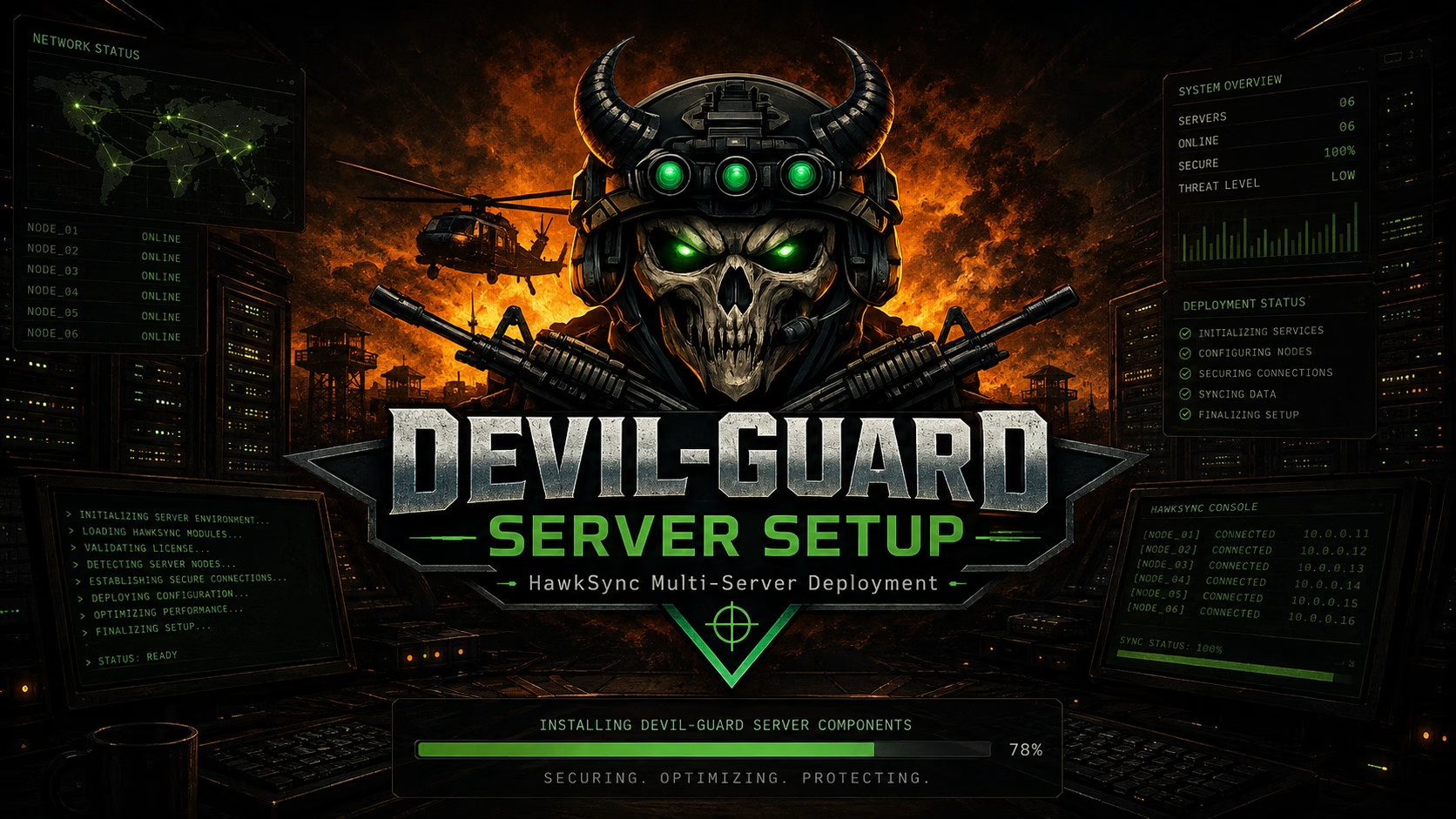
DFBHD Server Host Setup installs and configures the components required to run a supported DFBHD game server with HawkSync Server Manager.
This setup is intended for the server host PC and includes the required configuration for the DFBHD game server and HawkSync.
Use this setup when preparing a new server host or reinstalling an existing DFBHD/HawkSync server.
Important: Run the setup as Administrator so it has the permissions required to install, configure, and manage the game server and HawkSync correctly.
Includes: DFBHD Game Server and HawkSync Server Manager
Platform: Windows
Requires: Administrator privileges
Purpose: DFBHD and HawkSync Server Host Setup
Optional third-party media is blocked until you allow it in Privacy settings.
Devil-Guard PC – Client Setup
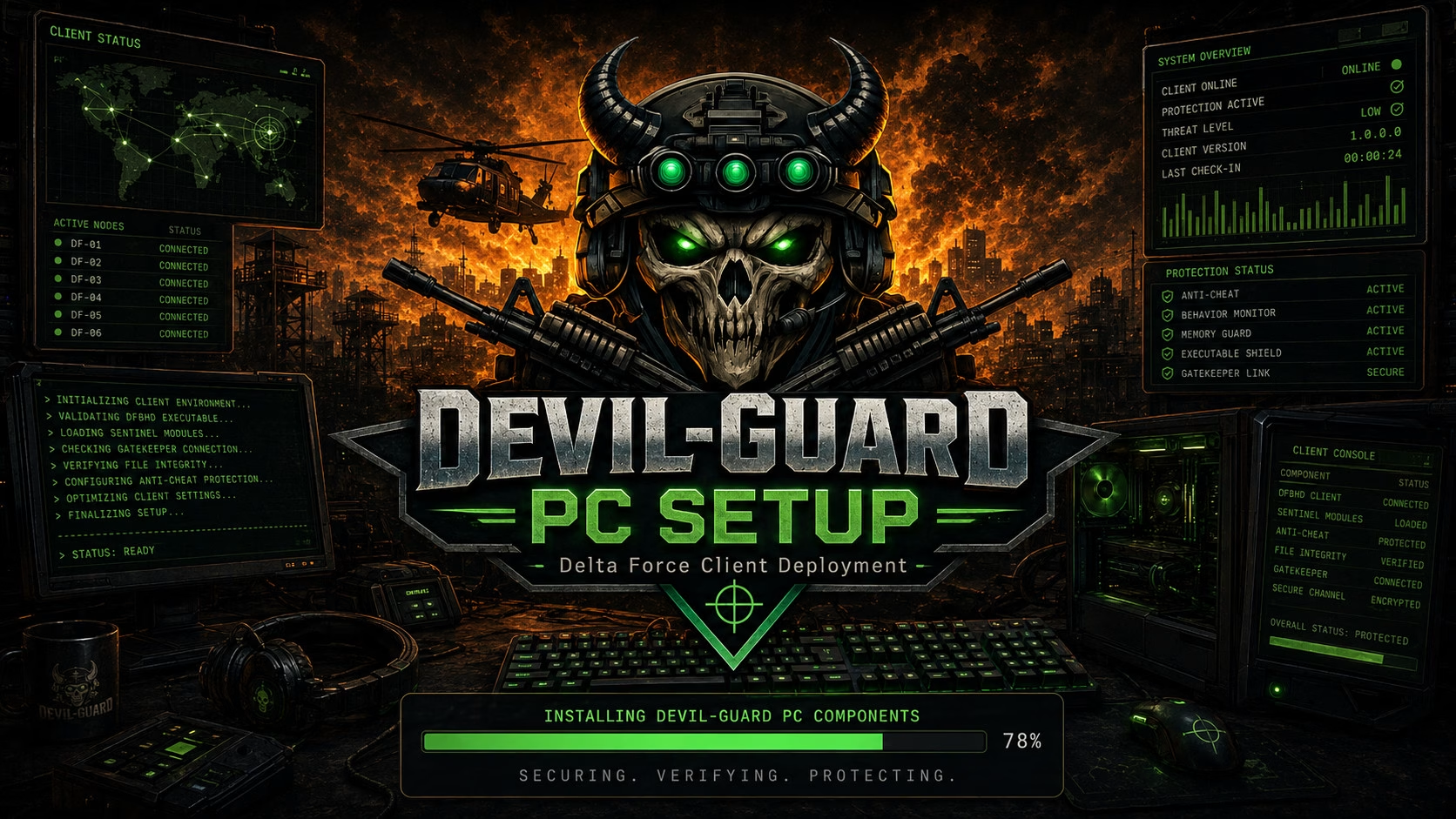
Devil-Guard PC provides protection and identity verification while you are playing on a supported game server.
This guide explains how to install Devil-Guard, connect it to your account, start protection, and what to do if Devil-Guard detects a problem.
Important: Devil-Guard PC must be Run as Administrator so it has the permissions required to operate correctly while protecting your game session.
Version: 1.6.0
Platform: Windows 32-bit
Requires: Administrator privileges
Installer: Devil-Guard-PC-Client-Setup-1.6.0-x86
Optional third-party media is blocked until you allow it in Privacy settings.
Devil Guard Server Setup
Devil-Guard Server Setup 1.6.0 x64 installs the Windows server-side component used with the Devil-Guard management system.
Devil-Guard Server works alongside your DFBHD/HawkSync server to manage player bans and blocks from the Devil-Guard website. It can automatically apply Windows Firewall rules and update HawkSync when players are blocked or banned.
Important: The installer and Devil-Guard Server must be Run as Administrator so it has permission to create, update, and remove Windows Firewall rules.
Version: 1.6.0
Platform: Windows 64-bit
Requires: Administrator privileges
Installer: Devil-Guard-Server-Setup-1.6.0-x64
Optional third-party media is blocked until you allow it in Privacy settings.
Protected infrastructure
1 active
!Devils-GuardOnlineStatus :Healthy
Protected players
2 active
RS-DevilishOnlineClient active
RS-FISHMAN1OnlineClient active
VPN-Proxy Network Monitoring
2 active
!Devils-GuardOnlineStatus :Running
!TRNOnlineStatus :Running
Supported downloads
stable · 1.0.8
Devil-Guard-Network-Monitor-Setup-1.0.8-x64
Devil-Guard Network Monitor is a Windows network security and connection monitoring tool built with .NET 10. It monitors active TCP/UDP connections, identifies the program and PID using each connection, and checks remote IP addresses against supported IP intelligence providers.
MUST BE RUN AS ADMINISTRATOR!!
Results are cached locally in an embedded SQLite database to reduce API usage and improve lookup speed. Suspicious VPN, proxy, Tor and relay connections can be automatically blocked using Windows Firewall on configured game-server ports, with optional disconnection of existing supported sessions.
Devil-Guard also includes IP whitelisting, firewall-ban management, connection history, configurable game ports, a secure remote HTTPS Web UI on port 8090 with user login and CAPTCHA protection, website monitoring/heartbeat integration, and automatic software updates.
The software is designed to block suspicious users from the TCP/UDP ports used by your game servers while leaving unrelated server traffic unaffected.
Devil-Guard Server is the Windows 64-bit enforcement service installed alongside a DFBHD and HawkSync game server. During setup, the administrator selects the DFBHD application and HawkSync Server Manager application, then enters the website enforcer token and HawkSync administrator credentials.
The service monitors connected HawkSync players, checks their Devil-Guard compliance through the website, and can automatically apply temporary bans or kicks when required. It also records enforcement results, restores access when a managed ban expires or is overturned, and never removes bans that were manually created in HawkSync.
Devil-Guard PC is the Windows 32-bit client installed on each player’s computer. The player enters their exact HawkSync player name and personal website token, then selects their DFBHD game application.
While the verified game is running, Devil-Guard securely reports the client version, game session, executable verification information, and compliance status to the website. When the player joins a protected server, the session is linked to that server and any compliance, kick, or ban activity is recorded against the player’s session.